

Three efficiency moves we'd make at your business today
Windows 10 is past EOL, Copilot is sitting unused in your Microsoft 365 bill, and your team is stuck re-keying data between systems. Three efficiency fixes for a Florida business in 2026.
In this article
If the efficiency conversation at your business is still “should we try a new project management app,” you are in the wrong fight.
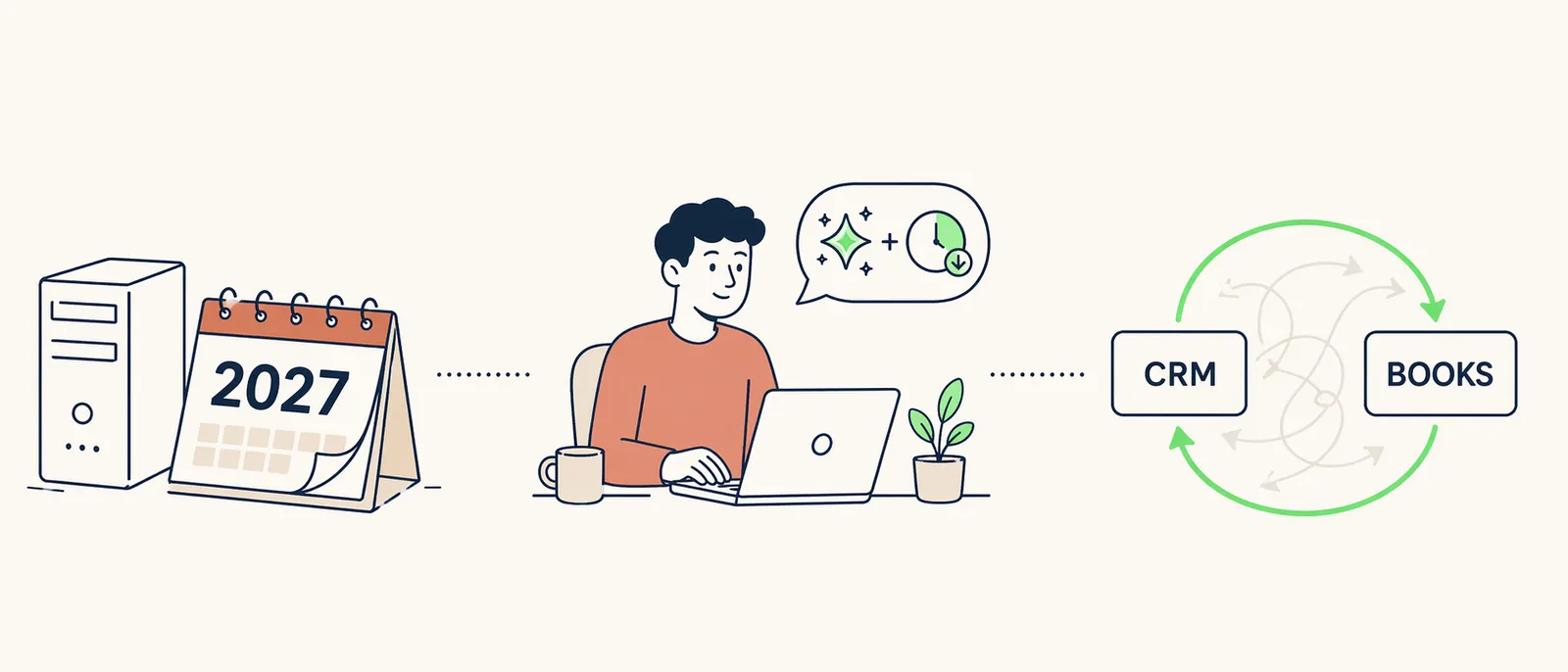
Somebody on your team is re-typing a customer into QuickBooks right now because their name already went into the CRM. Three people are sitting in a meeting that nobody is taking real notes on. Your Windows Server 2016 box is humming in a closet counting down to January 2027. None of that is a people problem. It is a stack problem.
Here is what we would actually do.
1. Use the migrations Microsoft is forcing on you
The risk curve on an unsupported operating system is like drinking milk past its due date. A few days in, you are probably fine. A few weeks in, you are starting to feel it. A few months in, you are asking for the kind of week that ends on the phone with your cyber insurance carrier and a forensic firm.
Windows 10 reached end of support on October 14, 2025. That milk is spoiled. If you still have Windows 10 machines running today, you are either enrolled in Extended Security Updates (roughly $61 per device for year one, doubling each year after) or you are unpatched. ESU buys goodwill at a price that keeps climbing. It is a stall, not a fix.
Windows Server 2016 is next. Extended support ends January 12, 2027. A server migration is not a weekend project. It is a three to six month planning cycle running alongside the technical work, which means the planning starts now, not in the fall.
What has changed since the last Microsoft EOL cycle is who is on the other side of your unpatched machine. In late 2025, Anthropic caught a state-sponsored group using Claude Code to run an autonomous cyber espionage campaign. The AI handled 80 to 90 percent of the attack, at thousands of requests per second, against thirty targets. In April 2026, Anthropic’s new Mythos Preview model demonstrated it could find and exploit sophisticated software vulnerabilities on its own. Anthropic did not release it to the public. The bar for “who needs to worry about a skilled attacker” used to be defense contractors. It is now anyone with a public IP and an unpatched server.
The efficiency move here is not just replacing the box. It is asking whether the workload should be on-prem at all. Most of what your 2016 server is still hosting (file shares, legacy Exchange, a line-of-business app that never got modernized) has a cloud counterpart inside a Microsoft 365 or Azure subscription you are already paying for. The forced migration is the cheapest time to make that switch, because the budget conversation is already happening. It is also much cheaper than the week you lose recovering from an attack that used AI to find you faster than your team could patch.
2. Turn on the AI you are already paying for
Microsoft 365 Copilot is not a separate product you need to evaluate. It is a seat add-on to a subscription you already own, and for specific roles it pays for itself in meetings alone.
The pattern we see in a 50 person firm: knowledge workers sit through roughly an hour of meetings a day, and someone in the room is pretending to take real notes. Copilot transcribes, summarizes, and drafts the follow-up email. Leadership, sales, and operations get the biggest lift. Reception, field techs, and warehouse staff do not need it and should not have it.
The trap is buying Copilot for everyone, declaring victory, and watching it show up on a budget review nine months later with no story attached. Pick the 15 to 25 percent of seats that meet the most, measure whether meeting throughput actually improves, and expand from there.
3. Stop having your team re-key data between systems
Here is the pattern in every Florida business we assess. A deal closes in the CRM. Someone types the customer into QuickBooks. Someone else types them into the dispatch tool or PSA. A third person opens an onboarding ticket. Two weeks later, the billing address is wrong in three places and nobody knows which one is right.
That re-keying is where hours die. It is also where errors get born, and errors turn into invoice disputes, missed renewals, and customer service calls that should not exist.
This is what our workflow automation service exists to fix. Our thinkAI team maps the manual process, builds the integration, and owns it going forward. When a vendor pushes a breaking API change at midnight, that is our problem, not a Tuesday morning fire drill for your ops lead. A typical first project saves a five-person operations team somewhere between 8 and 15 hours a week. That is not a productivity gain that disappears into a survey result. It is a real number that shows up in what those five people ship next month.
Where to start
If one of those three is obviously your biggest leak, start there. If it is not obvious, that is what a client consultant is for. Quarterly planning, a three-year roadmap, and an honest answer about which lever moves the biggest number for your business. Included with managed IT, not an upsell.